Deep Dive Course

Build Intelligent Tutors with CTAT, No Programming Required

Beginner level

No prior experience required

Flexible schedule

4 weeks, 6 to 8 hours per week

Instructor feedback

Get guidance on your work

Verified certificate

Share on LinkedIn

*Proof of full-time student enrollment required. Acceptable forms of ID include a letter from your university’s registrar office or an unofficial transcript. Email your documents to learnlab-help@lists.andrew.cmu.edu.

What you will learn

  • Explain how example-tracing tutors work and when they are useful.
  • Use CTAT to author tutor behavior through demonstration rather than programming.
  • Map learner actions to feedback, hints, and support within an example-tracing tutor.
  • Test and refine an intelligent tutoring experience for instructional quality and usability.

Course description

Intelligent tutoring systems can provide rich, step-by-step guidance, but many educators and designers assume they require extensive programming to build. Example-tracing tools lower that barrier by allowing teams to create tutors through demonstration and structured authoring rather than code-heavy development.

In this course, you will learn how to use CTAT to build example-tracing tutors without programming. You will create tutor behaviors, map learner actions to feedback and support, and understand how to author intelligent tutoring experiences that can be tested and refined for real educational use.

Syllabus

Module 1: Intelligent Tutor Design Principles
  • Describe the most common instructional design principles for Cognitive Tutors.
  • Define ITS instructional features and design space as described by VanLehn.
  • Describe knowledge component modeling.
Module 2: Example Tracing Basics
  • Set up a CTAT development environment.
  • Use the HTML editor or coding to create a CTAT layout.
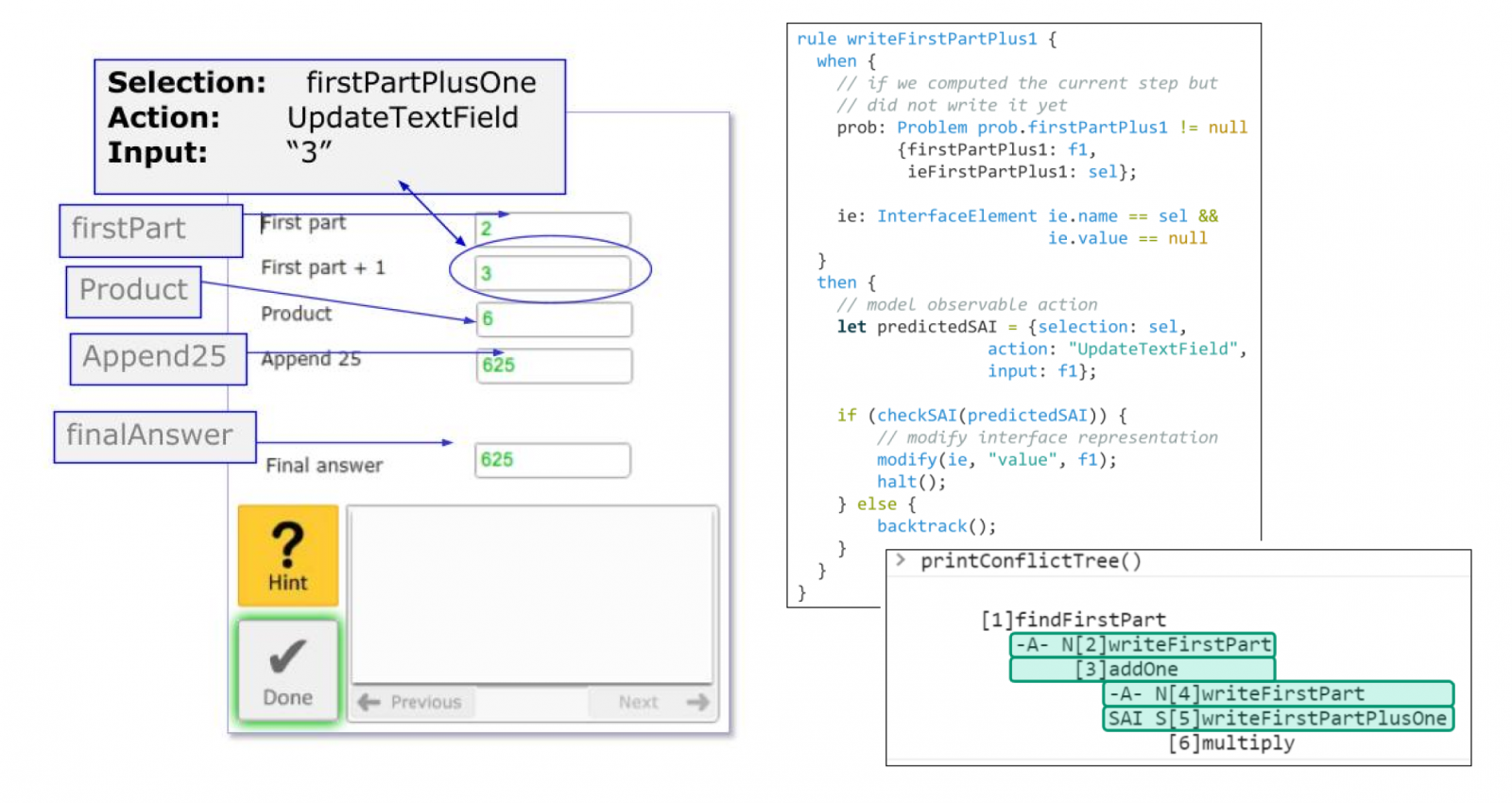
  • Use the behavior graph editor to create a solution and error path.
  • Explain the relation between using an example-tracing tutor and paths in a behavior graph.
  • Attach step-specific information to a behavior graph.
  • Use formulas in a behavior graph.
  • Assignment 1: Create an example-tracing tutor for dose calculation in veterinary medicine.
  • Each assignment will be graded by the instructor and you will receive personalized feedback along with a sample solution.
Module 3: Advanced Functions of Example Tracing
  • Mass produce an example tracing tutor.
  • Deploy a CTAT tutor in an LMS.
  • Use the behavior graph editor to create a solution and error path.
  • Assignment 2: Extend your example-tracing tutor from Assignment 1 using advanced forms of ITS functionality.
  • Each assignment will be graded by the instructor and you will receive personalized feedback along with a sample solution.
Module 4: Course Project

At the end of the course, you’ll have an opportunity to do a little project in two stages. In the first part, we will provide feedback and help you choose a problem that is nuanced enough to take advantage of example-tracing capabilities and give you an estimate of the time required.

You will then create an example-tracing tutor targeting that problem and submit it along with a report.

That will provide you with a nice experience to apply the fundamentals you will learn in the modules to a larger, more authentic context. It will be graded by the instructor and you will receive personalized feedback.

Meet the instructor

Dr. Vincent Aleven

Dr. Vincent Aleven

Professor
Carnegie Mellon University

Vincent Aleven’s research aims to advance the science of how people interact and learn with adaptive, AI-based learning technologies, and to advance the design and engineering of these technologies. Practically, he aims to help realize the smart classroom through strong synergy among learners, those who facilitate learning such as teachers, instructors, peers, tutors, and parents, and novel AI applications. In this context, he is excited to help a new generation of scientists and professionals develop interest and skill in research and development.